
Local SEO Checklist: How to Rank Higher on Google Maps
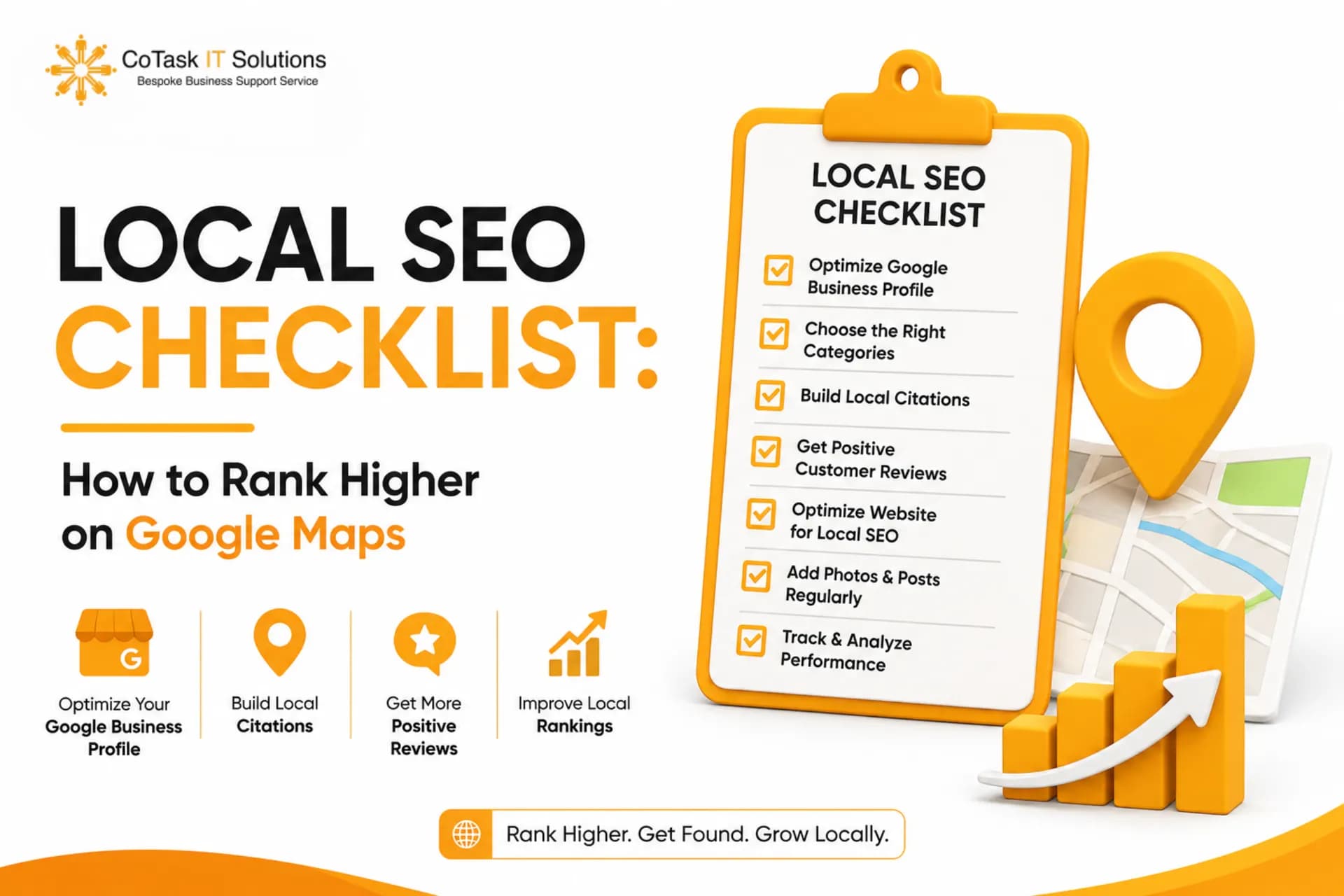
You Google your own business name from your phone, half-expecting to see yourself at the top. Instead, three competitors show up first — one of them with worse reviews and a blurrier logo than yours. If that's ever happened to you, you already know why local SEO matters. It's not a nice-to-have anymore; it's the difference between a customer choosing you or the business one map pin above you.
This local SEO checklist breaks down exactly what to fix, in what order, to start showing up in the Google Maps local pack — the three-listing box that appears above regular search results for local searches. Whether you run a single storefront or manage listings for multiple locations, this is the practical version, not the theory version.
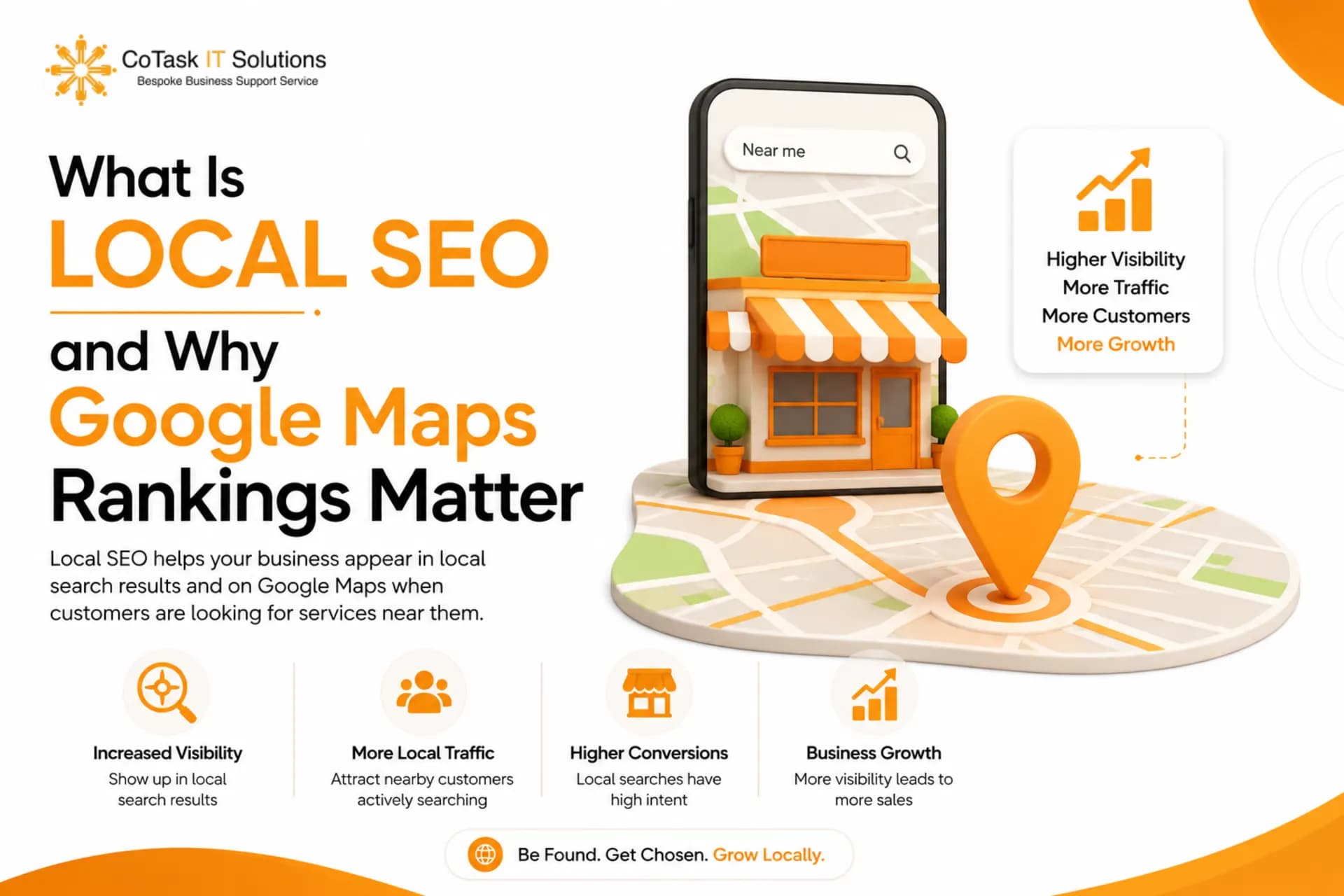
What Is Local SEO and Why Google Maps Rankings Matter
Local SEO is the process of optimizing your online presence — primarily your Google Business Profile and website — so your business appears in local search results and Google Maps when nearby customers search for what you offer. Unlike traditional SEO, which competes globally, local SEO competes within a radius: your city, your neighborhood, sometimes just a few blocks.
Here's why it matters more than most business owners realize: the majority of "near me" and location-based searches lead to a visit or contact within a day. If you're not visible in the Maps pack, you're invisible at the exact moment someone is ready to buy.
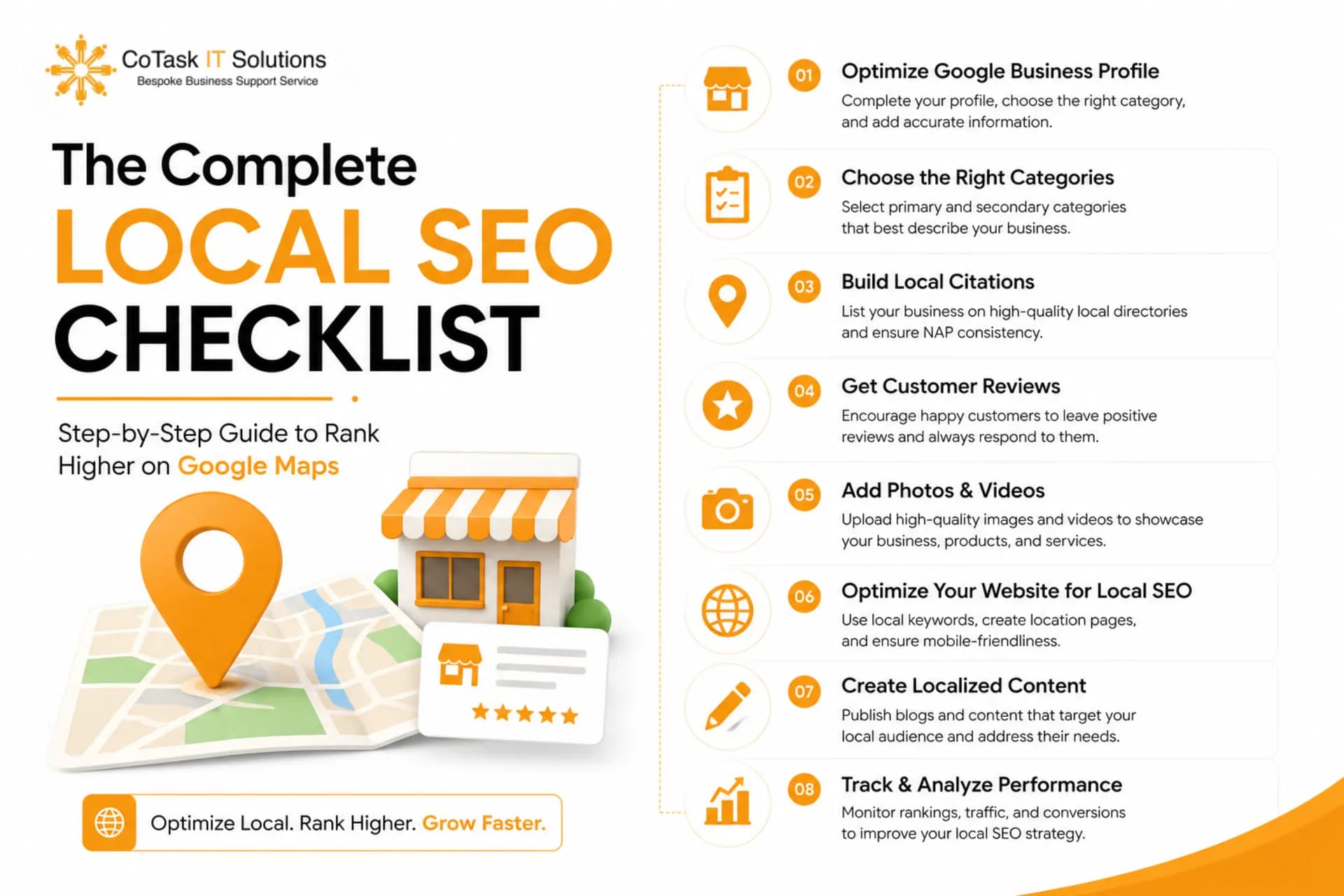
The Complete Local SEO Checklist
1. Claim and Verify Your Google Business Profile
This is step zero. If you haven't claimed your Google Business Profile (formerly Google My Business), nothing else on this list matters. Go to google.com/business, search your business name, and either claim the existing listing or create a new one. Verification usually happens by postcard, phone, or email, depending on your business type. Skip this step and Google has no reliable way to associate your business with map results at all.
2. Choose the Right Primary and Secondary Categories
Your Google Business Profile category is one of the strongest ranking signals Google uses to decide when to show you. Pick the most specific primary category available — "Italian Restaurant" beats "Restaurant," and "Divorce Lawyer" beats "Lawyer." Then add relevant secondary categories to widen the net without diluting relevance. Wrong or overly broad categories are one of the most common reasons businesses don't show up for obvious searches.
3. Keep NAP Consistent Everywhere
NAP stands for Name, Address, Phone number. Google cross-checks this information across your website, your Google Business Profile, and every directory you're listed on. If your address reads "123 Main St." on one platform and "123 Main Street, Suite 4" on another, Google sees inconsistency, not the same business. Audit your top 10-15 online listings and make every version identical, down to abbreviations and punctuation.
4. Optimize Your Website for Local Keywords
Your website needs to say the quiet part out loud: what you do and where you do it. Include your city and neighborhood names naturally in title tags, headers, and body copy — not just on a hidden contact page. A plumbing company in Dubai should have "Dubai" appearing in page titles, meta descriptions, and at least one H2, not buried once in the footer.
5. Build Local Citations on Relevant Directories
Citations are mentions of your business NAP on other websites — think Yelp, Justdial, industry-specific directories, or local chamber of commerce sites. Each consistent citation acts like a vote of legitimacy. Prioritize quality and relevance over quantity: ten accurate citations on directories your customers actually use beat fifty random low-authority listings.
6. Generate and Respond to Google Reviews
Review count and review recency directly influence Maps ranking, and review content increasingly gets pulled into AI-generated answers when people ask for recommendations. Set up a simple system — a QR code at checkout, a follow-up text or email — to ask satisfied customers for reviews consistently, not just in bursts. Then respond to every review, good or bad. An unanswered negative review sitting for months signals neglect to both customers and Google.
7. Add Location Pages for Multi-Location Businesses
If you operate in more than one city or neighborhood, each location needs its own dedicated page with unique NAP details, local keywords, embedded maps, and location-specific content — not a single generic "locations" page listing every address with no context.
8. Add LocalBusiness Schema Markup
Schema markup is structured code that tells Google exactly what your business is, where it's located, what hours it keeps, and what it offers — removing the guesswork search engines would otherwise have to do by parsing your page content.
9. Post Consistently on Google Business Profile
Google Business Profile has a built-in posting feature, similar to a mini social feed, where you can share offers, updates, and events directly on your listing. Profiles that post consistently tend to show more engagement signals than dormant ones. A short weekly post — a new arrival, a seasonal offer, a staff highlight — keeps your profile active in Google's eyes.
10. Build Local Backlinks
A backlink from a local news site, a community blog, or a partner business in your area carries more local ranking weight than a generic backlink from an unrelated site overseas. Sponsor a local event, get featured in a community roundup, or partner with complementary local businesses for cross-promotion and linking. These signals tell Google you're a genuine, active part of that geographic community.
11. Monitor Rankings and GBP Insights
Local SEO isn't a "set it and forget it" task. Use Google Business Profile Insights to track how customers find you — direct searches, discovery searches, or map views — and tools like Google Search Console to monitor which local keywords are driving impressions. Check monthly. Small, consistent adjustments beat a big overhaul once a year.
Read About Google Ads vs SEO: Which Marketing Strategy Delivers Better ROI? (https://cotasks.com/google-ads-vs-seo-which-delivers-better-roi)
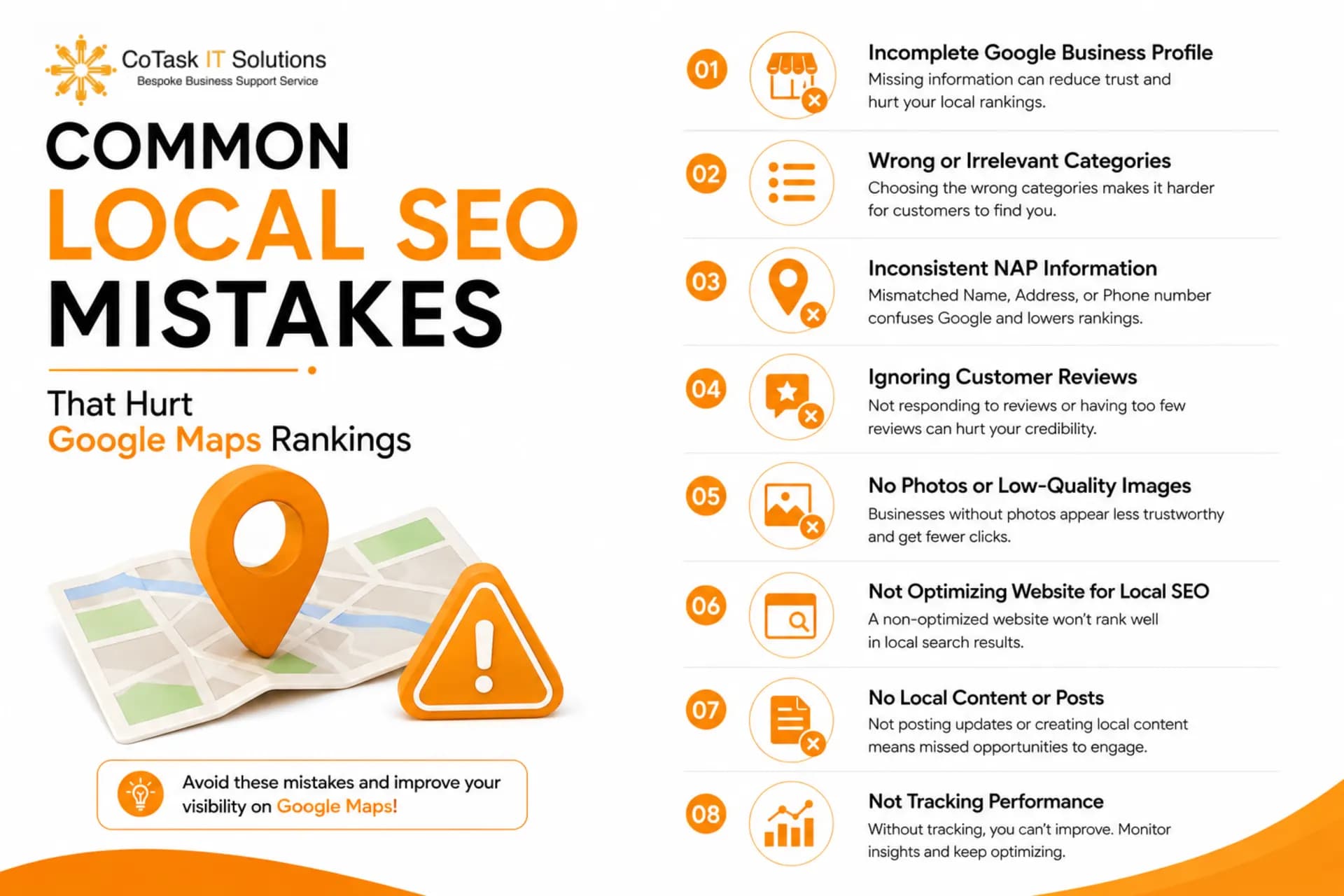
Common Local SEO Mistakes That Hurt Google Maps Rankings
Keyword-stuffing the business name field. Adding "Best Plumber Dubai 24/7 Emergency" into your Google Business Profile name instead of your actual registered business name violates Google's guidelines and can get your listing suspended.
Ignoring duplicate listings. Old, unclaimed, or duplicate profiles from a previous owner or an old address split your reviews and signals across multiple listings instead of consolidating them into one strong profile.
Treating reviews as a one-time push. A flurry of 20 reviews in one week followed by silence for six months looks unnatural to Google's systems and doesn't reflect real, ongoing customer activity.
FAQs
Quick-Reference Local SEO Checklist Recap
- Claim and verify your Google Business Profile
- Choose accurate, specific primary and secondary categories
- Keep NAP consistent across your website and every directory
- Add local keywords naturally throughout your website
- Build citations on relevant, quality directories
- Generate reviews consistently and respond to all of them
- Create unique location pages for each business location
- Add LocalBusiness schema markup to your website
- Post weekly on Google Business Profile
- Build backlinks from local, community-relevant sources
- Monitor rankings and Insights data monthly
Local SEO rewards consistency more than any single big move. Run through this checklist, fix the gaps, and revisit it every quarter — Google Maps rankings shift, and so should your approach. If you want a second set of eyes on your current Google Business Profile setup, an audit is usually the fastest way to spot what's actually holding you back.
Local SEO isn't a one-time fix — it's an ongoing game, and most businesses don't have the time to chase all 11 steps every month. That's where we come in. At Cotasks IT Solutions, we handle Google Business Profile optimization, local citations, schema markup, and full-funnel SEO for businesses across the UAE, US, UK, Saudi Arabia, Australia, and India. If you want a second set of eyes on your current setup, visit cotasks.com and let's audit your Google Maps presence together.
Get Free Audit: https://cotasks.com/free-amazon-audit