
Website Speed Optimization: Improve SEO, UX & Conversions in 2026
If your website takes more than three seconds to load, you are probably losing customers before they ever see what you offer. Website speed optimization is no longer a "nice to have" technical task handed off to a developer once a year — it's a direct lever on your search rankings, your user experience, and your bottom line.
In this guide, we'll break down why website speed optimization matters in 2026, how Google measures it through Core Web Vitals, and the exact steps you can take to make your site faster, more discoverable, and more profitable.
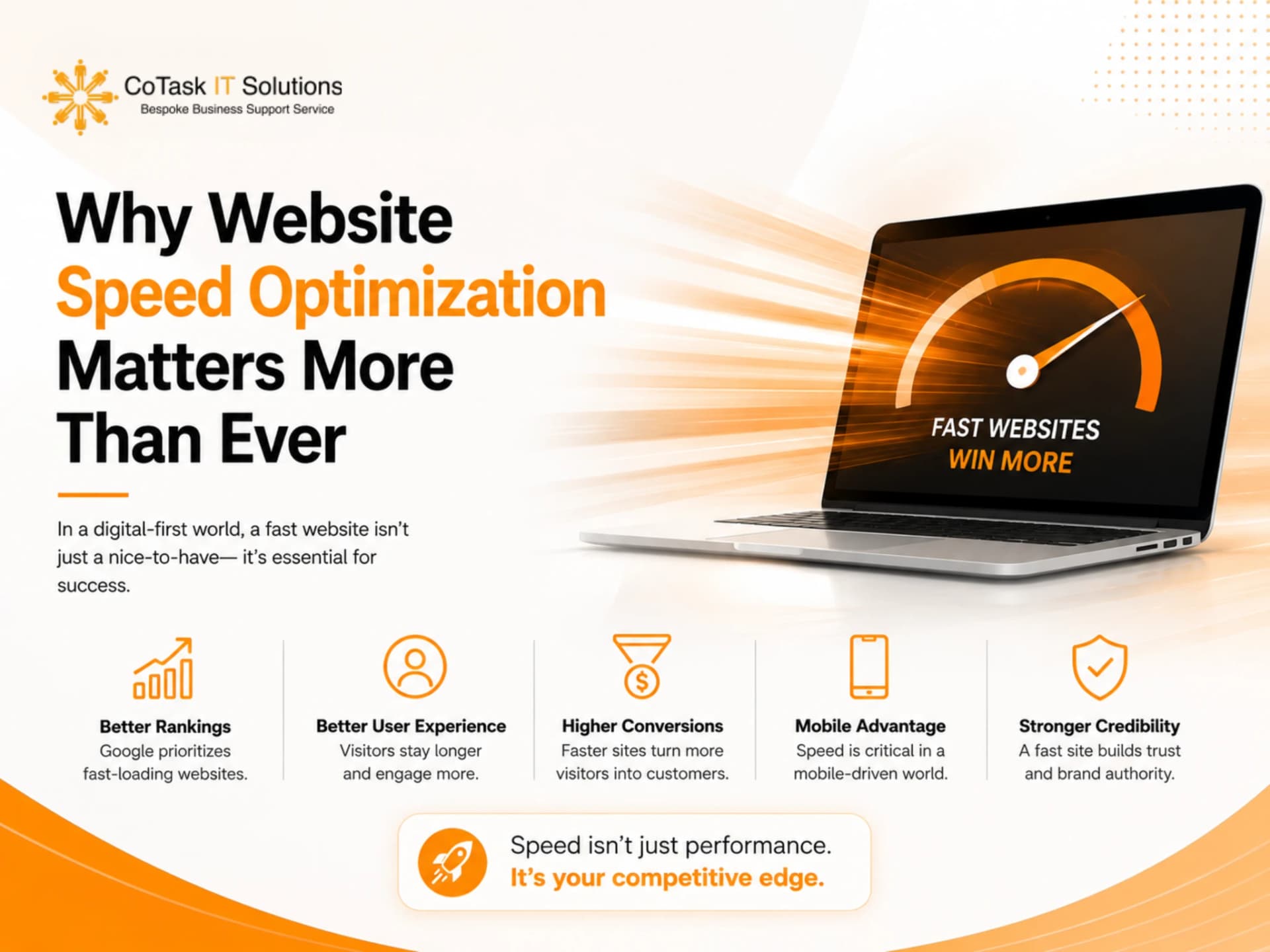
Why Website Speed Optimization Matters More Than Ever
Search behavior has changed. People no longer wait patiently for pages to load, and search engines — along with the AI-powered answer engines now sitting in front of them — have adjusted their ranking and citation logic to reward speed and penalize friction.
The data backs this up clearly. Research aggregated from HTTP Archive and Chrome UX Report shows that only about a third of websites currently pass all three Core Web Vitals thresholds, with Largest Contentful Paint (LCP) being the most common failure point. Meanwhile, independent conversion studies consistently find that pages loading in one second convert at roughly three to four times the rate of pages that take five seconds or longer, and that every additional second of delay can cost several percentage points in conversions.
Put simply, website speed optimization sits at the intersection of three business outcomes:
- SEO — Google has confirmed page speed as a ranking factor since 2010, and Core Web Vitals now directly influence page experience signals in both desktop and mobile search.
- User Experience (UX) — Slow pages frustrate visitors, increase bounce rates, and erode trust in your brand before a single word of your content is read.
- Conversions and Revenue — Faster pages consistently produce higher form submissions, more completed purchases, and better return-on-ad-spend across nearly every industry studied.
If you're running paid campaigns, producing SEO-optimized content, or investing in technical SEO audits, none of that work performs to its full potential if your site's loading speed is holding it back.
Understanding Core Web Vitals: The Metrics That Matter
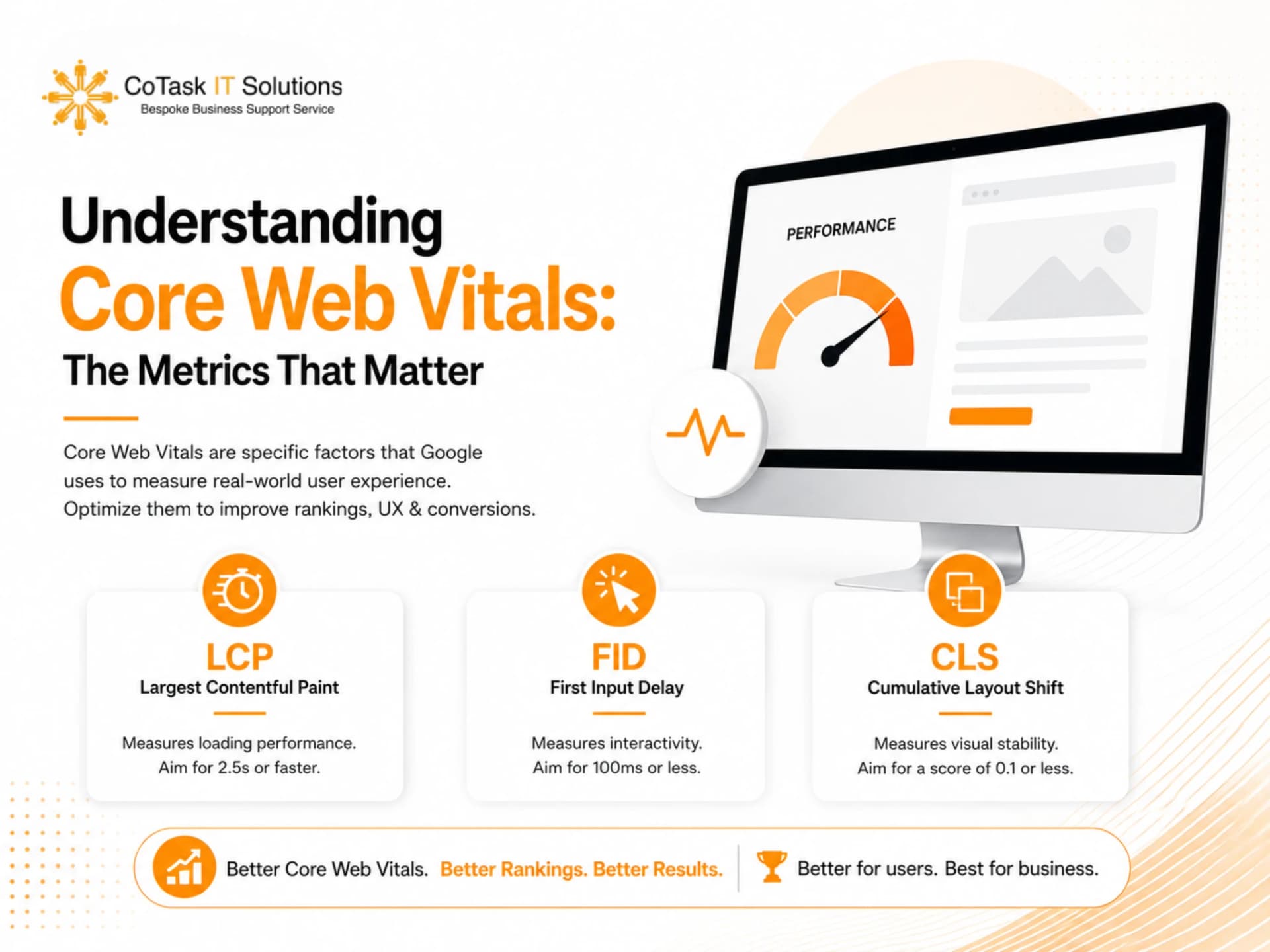
Google's Core Web Vitals are the standard framework for measuring real-world page experience. Website speed optimization efforts should be built around improving these three metrics:
1. Largest Contentful Paint (LCP)
LCP measures how long it takes for the largest visible element on a page — usually a hero image, banner, or headline — to fully render. Google recommends an LCP under 2.5 seconds. Sites aiming to compete for top rankings should target closer to 1.8 seconds.
2. Interaction to Next Paint (INP)
INP replaced First Input Delay (FID) as the official responsiveness metric. It measures how quickly your site responds when a user clicks, taps, or types. A good INP score is generally under 200 milliseconds.
3. Cumulative Layout Shift (CLS)
CLS tracks unexpected visual movement on a page — think of text jumping around because an image or ad loaded late. A stable, well-optimized page should keep CLS below 0.1.
Together, these three metrics tell Google (and increasingly, AI search tools) whether your site delivers a genuinely good experience, not just fast raw load times in a lab test.
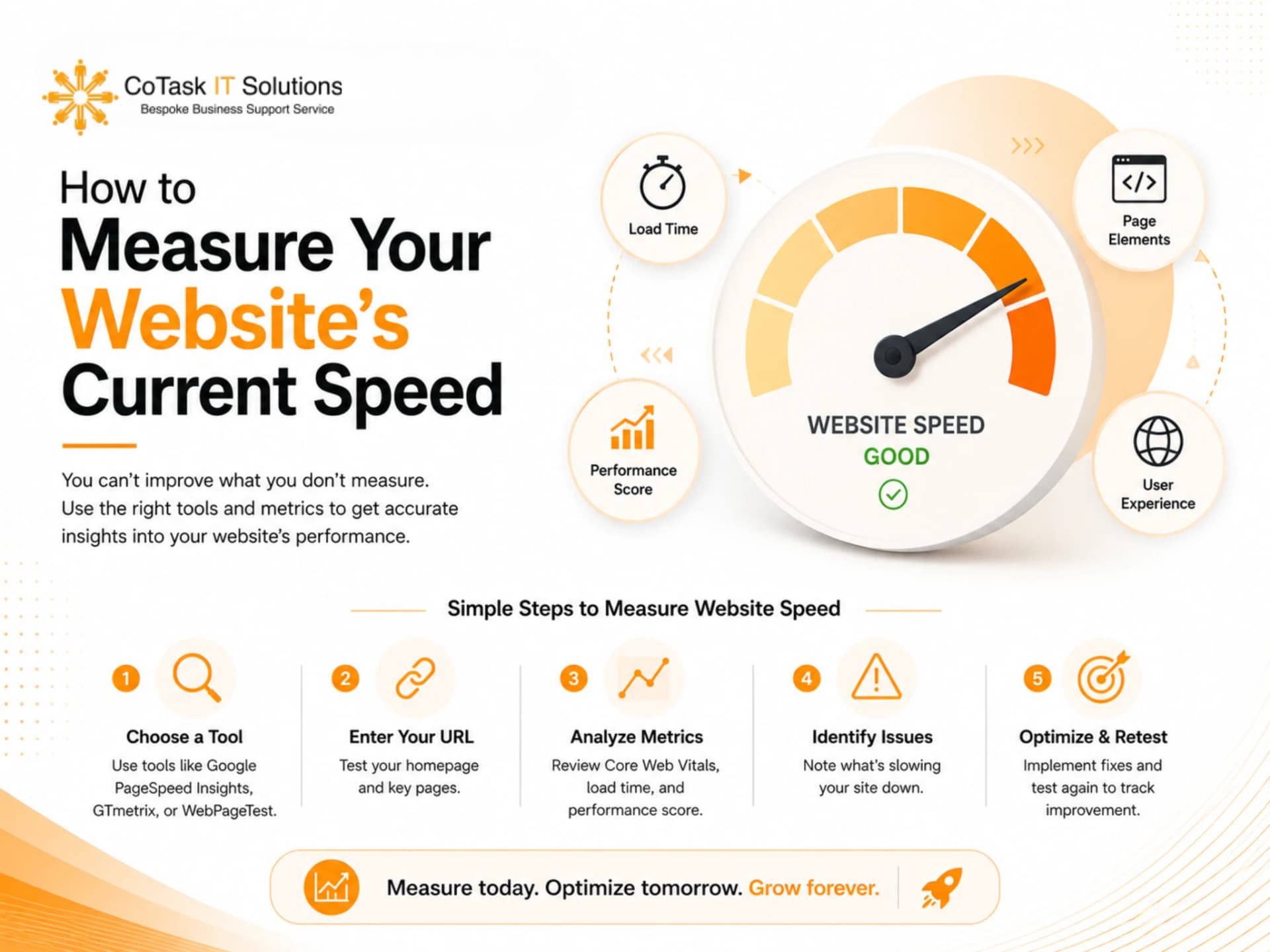
How to Measure Your Website's Current Speed
Before optimizing anything, benchmark where you stand. A few reliable tools:
- Google PageSpeed Insights — combines lab data with real-user field data from the Chrome UX Report.
- Google Search Console (Core Web Vitals report) — shows how actual visitors experience your site across URL groups.
- GTmetrix or WebPageTest — useful for waterfall analysis to pinpoint exactly which requests are slowing you down.
- Lighthouse (built into Chrome DevTools) — good for quick, on-demand audits during development.
If you're managing a multi-region or multi-brand site, it's worth reviewing performance separately for each key market, since hosting location, CDN coverage, and third-party scripts can behave very differently depending on where your traffic originates. This is something we regularly flag during our technical SEO audits for clients operating across the UAE, US, UK, and other markets.
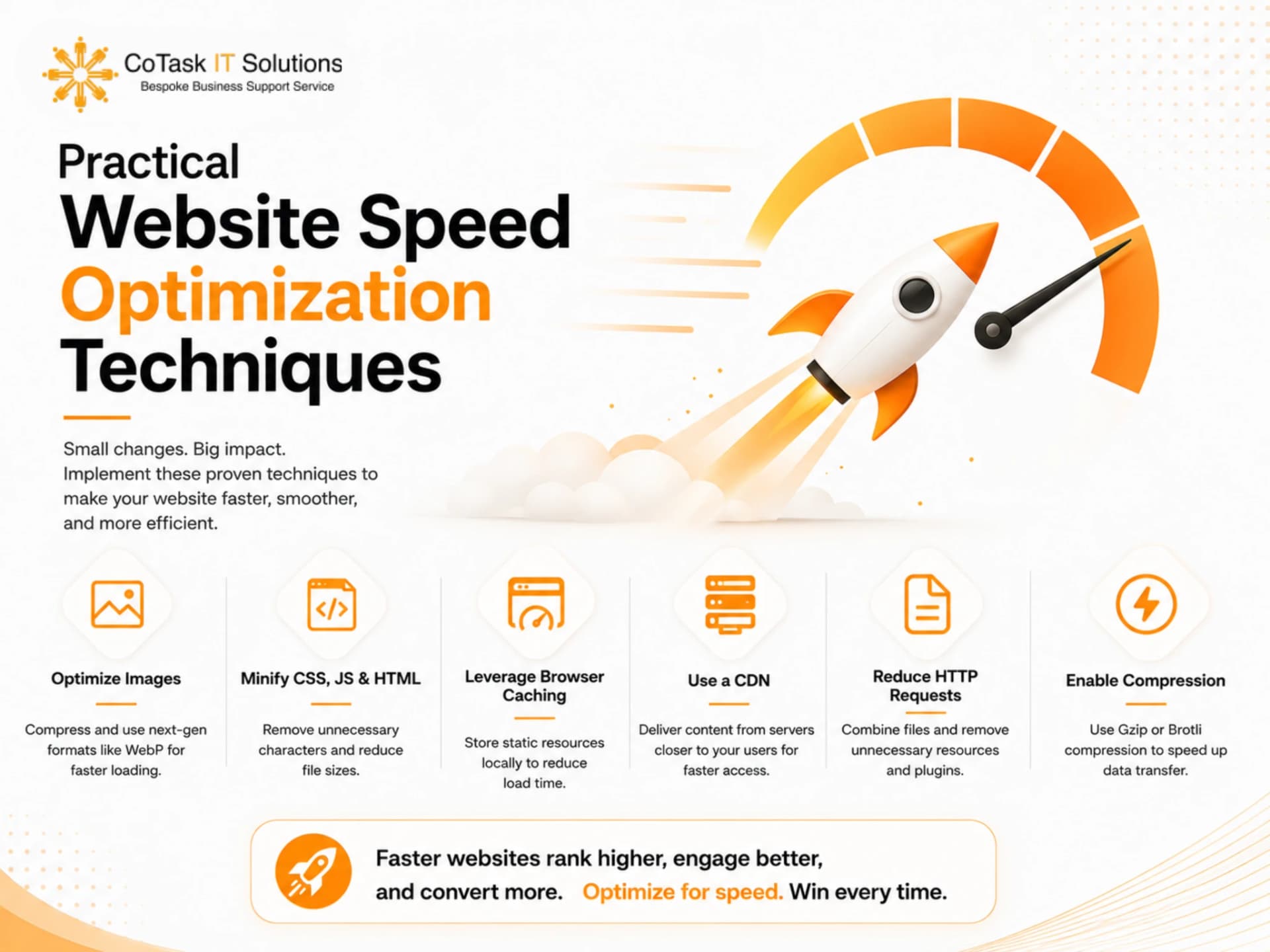
Practical Website Speed Optimization Techniques
Here's where the real work happens. These are the highest-impact levers for improving site speed, roughly in order of typical impact.
1. Optimize and Compress Images
Images are usually the single biggest contributor to page weight. To fix this:
- Convert images to modern formats like WebP or AVIF instead of JPEG/PNG.
- Compress images before upload without visibly degrading quality.
- Use responsive image sizing (srcset) so mobile devices don't download desktop-sized files.
- Lazy-load images below the fold so they only load as the user scrolls to them.
2. Minimize and Defer JavaScript
Heavy or poorly structured JavaScript is one of the most common causes of a poor INP score. Best practices include:
- Deferring non-critical scripts so they don't block initial rendering.
- Removing unused JavaScript libraries and plugins.
- Splitting large bundles into smaller chunks that load only when needed.
- Auditing third-party scripts (chat widgets, tracking pixels, ad tags) regularly, since these often account for a disproportionate share of load time.
3. Leverage Browser Caching and a CDN
A Content Delivery Network (CDN) stores copies of your site closer to your visitors geographically, cutting down on Time to First Byte (TTFB). Combined with proper browser caching headers, this alone can meaningfully improve load times for repeat visitors and international audiences — something particularly relevant if you're serving clients across multiple countries and time zones.
4. Reduce Server Response Time
Your hosting environment matters. Aim to keep TTFB under 800 milliseconds. This usually means:
- Choosing quality hosting (or upgrading from shared hosting to a more performant setup).
- Using server-side caching for dynamic content.
- Reducing database query overhead on content-heavy pages.
5. Minify CSS, HTML, and JavaScript
Stripping unnecessary characters, whitespace, and comments from your code reduces file size without changing functionality. Most modern build tools and CMS plugins can automate this.
6. Eliminate Render-Blocking Resources
CSS and JavaScript files that load before the visible content can significantly delay LCP. Inline critical CSS for above-the-fold content and defer everything else.
7. Optimize Web Fonts
Custom fonts can silently slow pages down. Use font-display: swap to prevent invisible text during font loading, limit the number of font weights and styles you load, and consider system fonts where brand guidelines allow flexibility.
8. Audit Your CMS and Plugins
If your site runs on WordPress or a similar CMS, an overloaded plugin stack is one of the most common — and most overlooked — causes of slow speed. Regularly review and remove plugins that duplicate functionality or that you no longer actively use. This is especially important for agencies managing sites mid-migration between platforms, where legacy code and unused assets can quietly accumulate.
9. Prioritize Mobile Performance
With mobile-first indexing, Google evaluates your mobile experience as the primary version of your site. Many sites that perform well on desktop still fail Core Web Vitals on mobile due to heavier assets and slower average connection speeds. Test and optimize for mobile specifically, not as an afterthought.
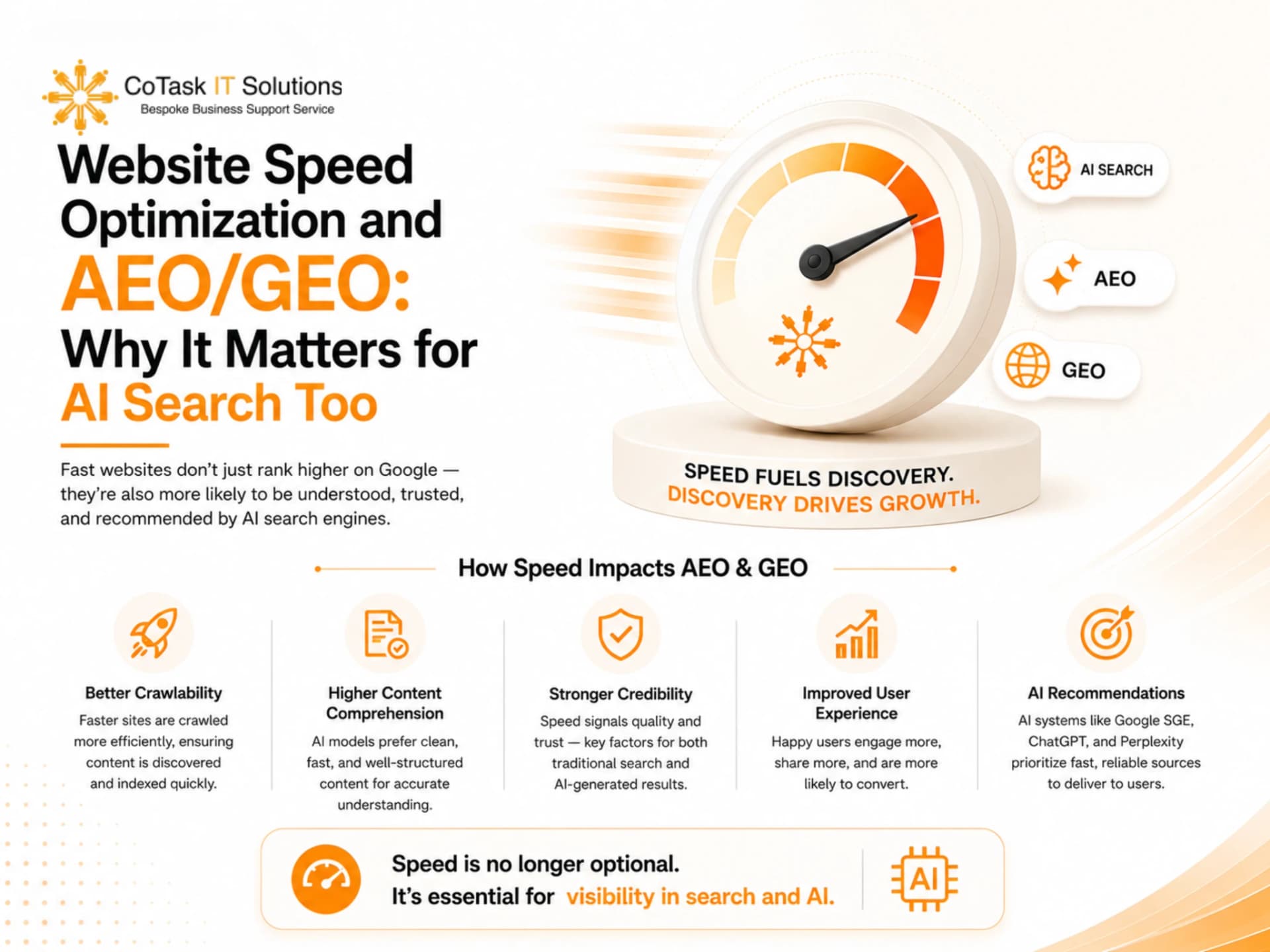
Website Speed Optimization and AEO/GEO: Why It Matters for AI Search Too
Search is no longer limited to the traditional blue-link results page. Answer Engine Optimization (AEO) and Generative Engine Optimization (GEO) — the practice of getting your content cited or summarized by tools like Google AI Overviews, ChatGPT, and Perplexity — are increasingly shaped by the same underlying signals as traditional SEO, including site speed.
AI crawlers and answer engines still need to access, render, and process your pages efficiently to extract accurate information. A slow, render-blocked, or poorly structured page is harder for these systems to crawl fully and more likely to be skipped in favor of faster, better-structured competitors. In other words, website speed optimization isn't just about ranking in classic SERPs anymore — it's about making sure your content is even eligible to be surfaced in AI-generated answers.
Pairing fast-loading pages with clear structure — descriptive headings, concise answers near the top of the page, and clean semantic HTML — gives both traditional search engines and AI answer engines the best possible shot at understanding and citing your content accurately.
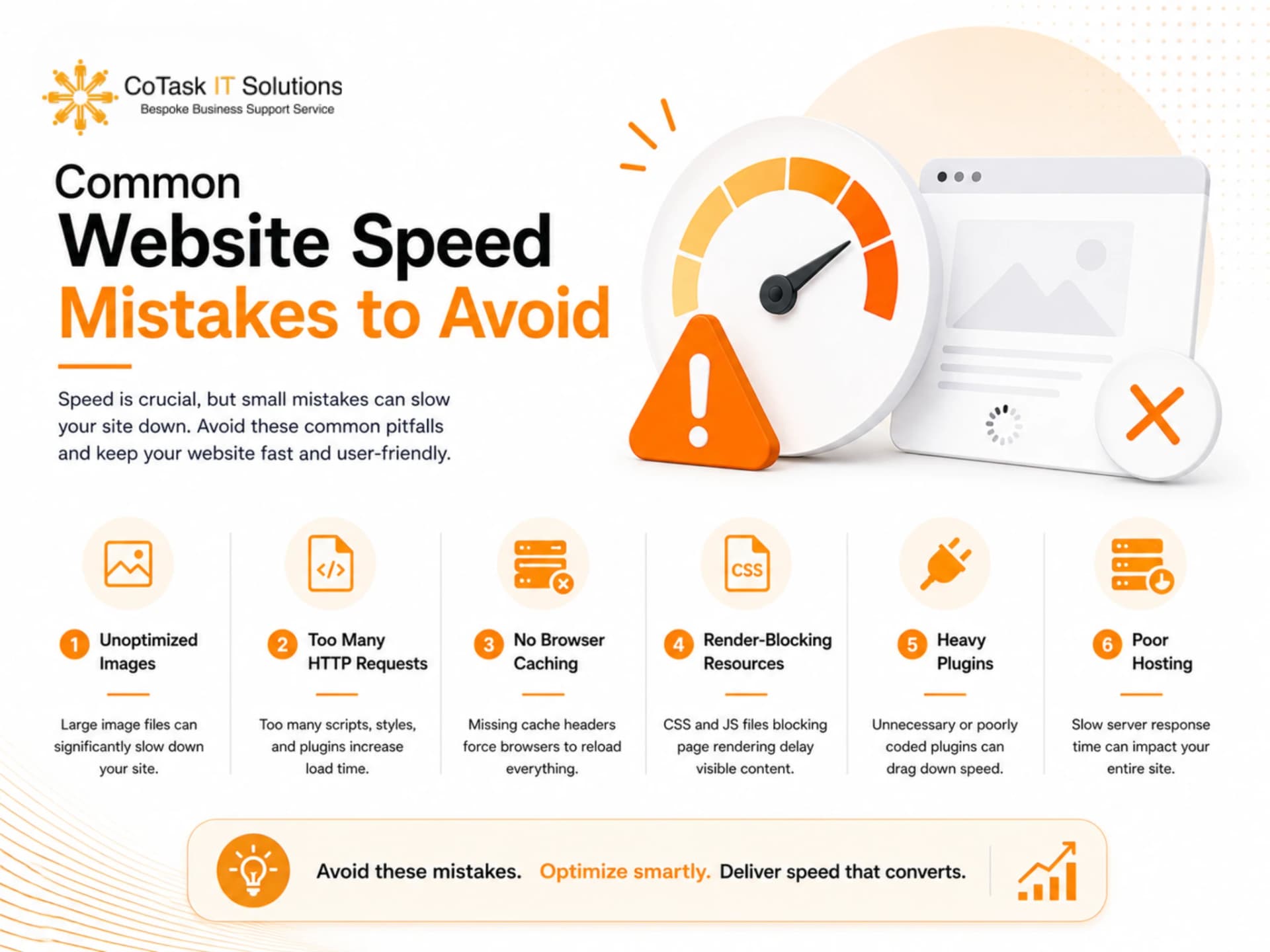
Common Website Speed Mistakes to Avoid
- Optimizing only for desktop. Mobile is where most Core Web Vitals failures happen.
- Relying on a single lab test. Field data from real users often tells a different story than a one-time Lighthouse score.
- Ignoring third-party scripts. Marketing tags, chat widgets, and embedded videos are frequent hidden culprits.
- Treating speed as a one-time fix. New content, plugins, and campaigns constantly add weight — speed needs ongoing monitoring, not a single sprint.
- Sacrificing UX for speed, or vice versa. The goal is balance: a fast page that still looks and functions the way your brand needs it to.
Frequently Asked Questions
Final Thoughts
Website speed optimization isn't a single checkbox — it's an ongoing discipline that touches SEO, design, development, and marketing all at once. The good news is that the levers are well understood: compress your images, defer unnecessary scripts, invest in proper hosting and caching, and keep mobile performance front and center.
If your site is currently loading slowly and you're not sure where to start, a full technical SEO and site speed audit is the fastest way to identify exactly what's holding you back — and turn those milliseconds into measurable growth. You can also explore our web development services if your site needs a deeper rebuild, or browse more guides on our blog for related topics like Core Web Vitals and local SEO. Ready to get started? Contact our team for a free performance review.